
HOW LONG DOES A HIGHSPOT MIGRATION TAKE?
Oct 02, 2026
Picture the calendar invite that lands 90 days before your Highspot renewal. The title reads "Renewal decision," your CRO has already accepted, and you are the person expected to know how long it takes to move thousands of assets, a stack of rep logins, and a CRM connection onto a different platform without anyone noticing. (Nobody has ever handed you that number.)
So, how long does it take to migrate from Highspot? Most mid-market teams land between four and eight weeks, and the calendar depends far more on the state of your content than on the software. This guide walks through the timeline week by week, what stretches it, how to work backward from your renewal date, and what to export before your access ends.
How Long Does It Take to Migrate From Highspot? The Timeline at a Glance
A Highspot migration typically takes 4 to 8 weeks for a mid-market team. The timeline covers a content audit, export and cleanup, rebuilding folders and permissions, connecting your CRM, and rolling out to reps. Enterprise teams with heavy integrations, training content, and custom analytics should plan for 3 to 6 months.
Treat that range as a planning estimate, not a measurement. Spekit's migration kit describes a four to six week move onto its own platform and cites one customer, InMoment, that went from Highspot to fully live in 39 days (both vendor-reported). A competitor-published review puts Highspot's own implementation at four to six weeks too, without naming a source. Plans of similar length on both sides suggest that leaving costs about what arriving did, plus the cleanup you skipped the first time. We added room at the top for a pilot and overlap, and the enterprise range is our own estimate.
Phase
Typical timing
What happens
Audit and export
Weeks 1 to 2
Inventory assets, archive duplicates and stale files, export content, metadata, and engagement history
Rebuild structure and metadata
Weeks 2 to 4
Recreate folders, categories, and tags in the new platform
Integrations and permissions
Weeks 3 to 5
Connect your CRM and sign-on, set roles and user groups
Pilot
Weeks 5 to 6
One sales team works in the new platform and reports gaps
Full rollout and cutover
Weeks 7 to 8
Everyone moves, fresh links go out, content creation freezes in the old tool
Parallel run and decommission
2 to 4 weeks after cutover
Highspot stays read-only as a fallback, then gets closed out
The weeks overlap, which is why the total is eight and not the sum of the rows. The audit is the only phase you cannot start late, because every phase after it copies whatever you decided to keep.
Week by Week: What Actually Happens During a Highspot Migration
A Highspot migration runs in five stages: audit and export your content, rebuild the folder structure and metadata, connect integrations and permissions, pilot with one team, then cut over and decommission. The audit tends to decide how long the other four take, because each stage works from the content you chose to keep.
Think of it as moving house: you can box up the entire attic, or you can notice that you have not opened three of those boxes since the last move.
1. Audit and Export (Weeks 1 and 2)
Start by counting what you own. Inventory every asset, flag duplicates and outdated versions, and sort the library into move, archive, and delete. Engagement data does the arguing for you: assets nobody opens are archive candidates, and assets reps share weekly move first. Our Sales Content Management Guide covers how to structure that review. Export content, metadata, and engagement history now, while you still have full access.
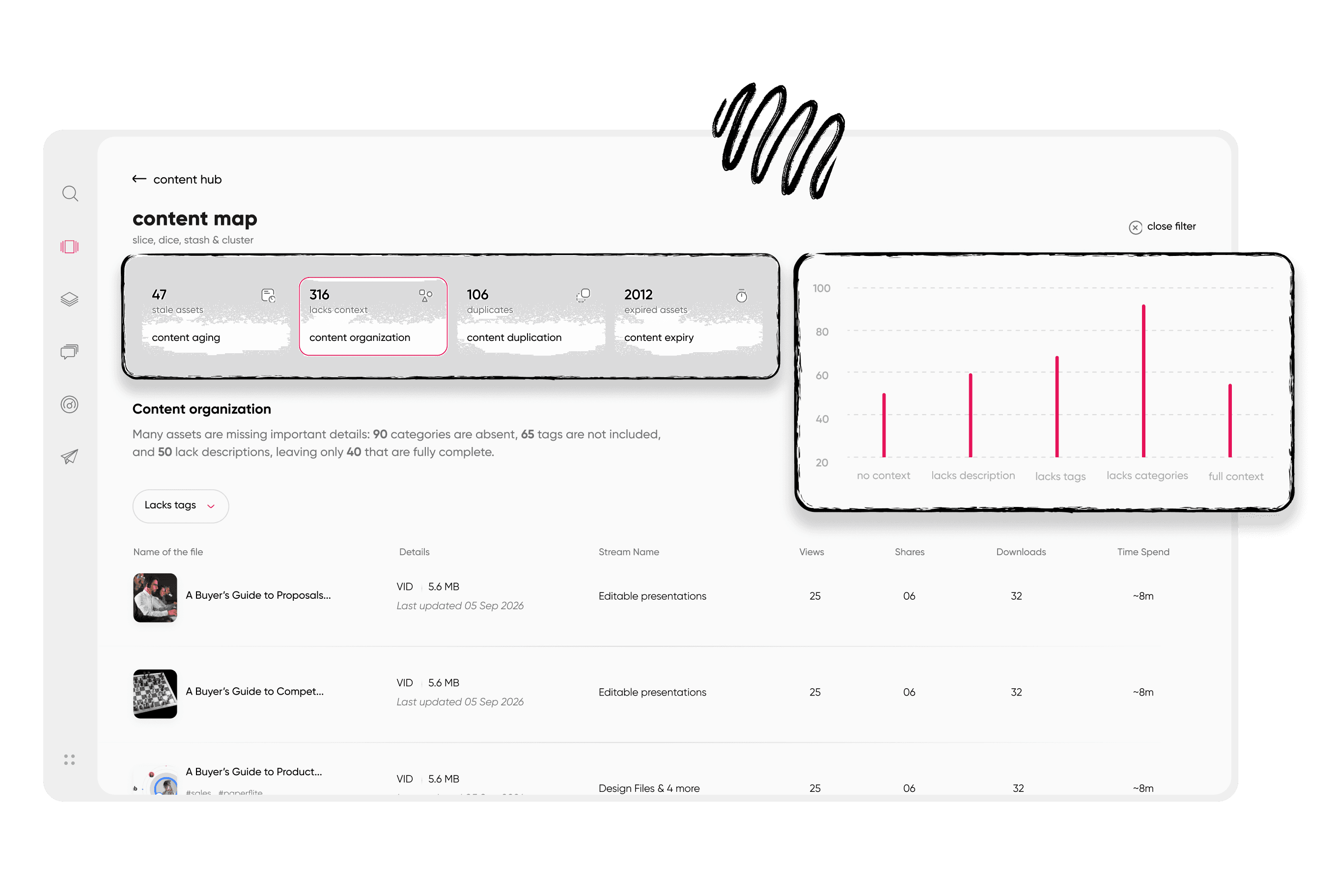
Low-performing assets surface in an engagement table, which makes the archive decision easier.
2. Rebuild Structure and Metadata (Weeks 2 to 4)
Resist copying your old folder tree. Reps search by deal stage, persona, and product, not by the org chart of whoever built the library. Design the new structure around those questions, then apply tags so search can find what folders cannot. A written digital asset management strategy keeps this step from turning into a debate about folder names.
A folder structure in the Content Hub, organized by category.
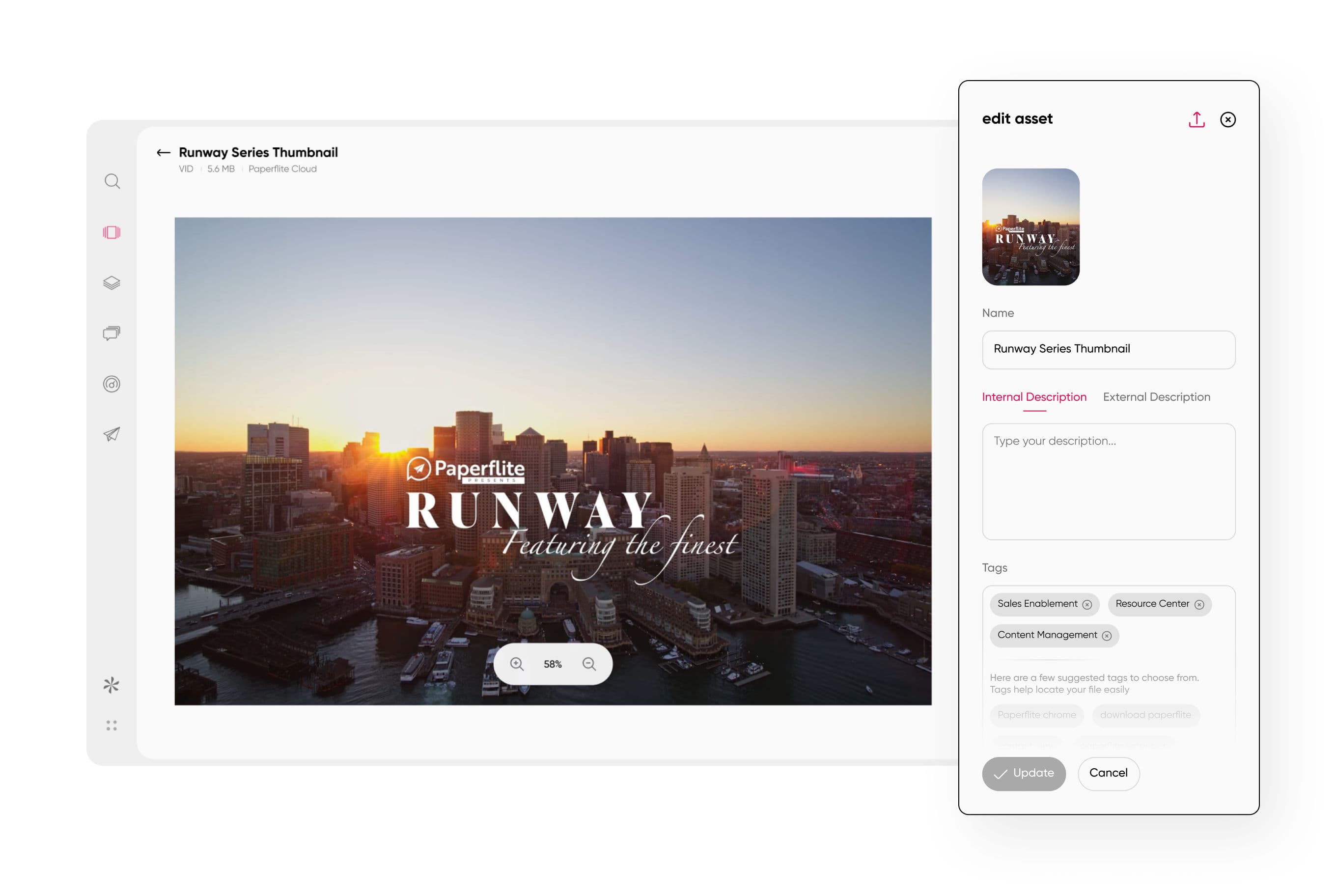
Asset metadata and tagging controls, where search quality gets decided.
3. Integrations and Permissions (Weeks 3 to 5)
Connect your CRM and single sign-on first, so reps see content where they already work. Cloudinary's rollout lessons, shared while describing its own move onto Highspot, point the same way: the team started with a CRM integration as the early win and left landing pages and training for later phases. Set roles and user groups at the same time, and budget for upkeep, because the same team warned that integrations can need manual updates when CRM field names change.
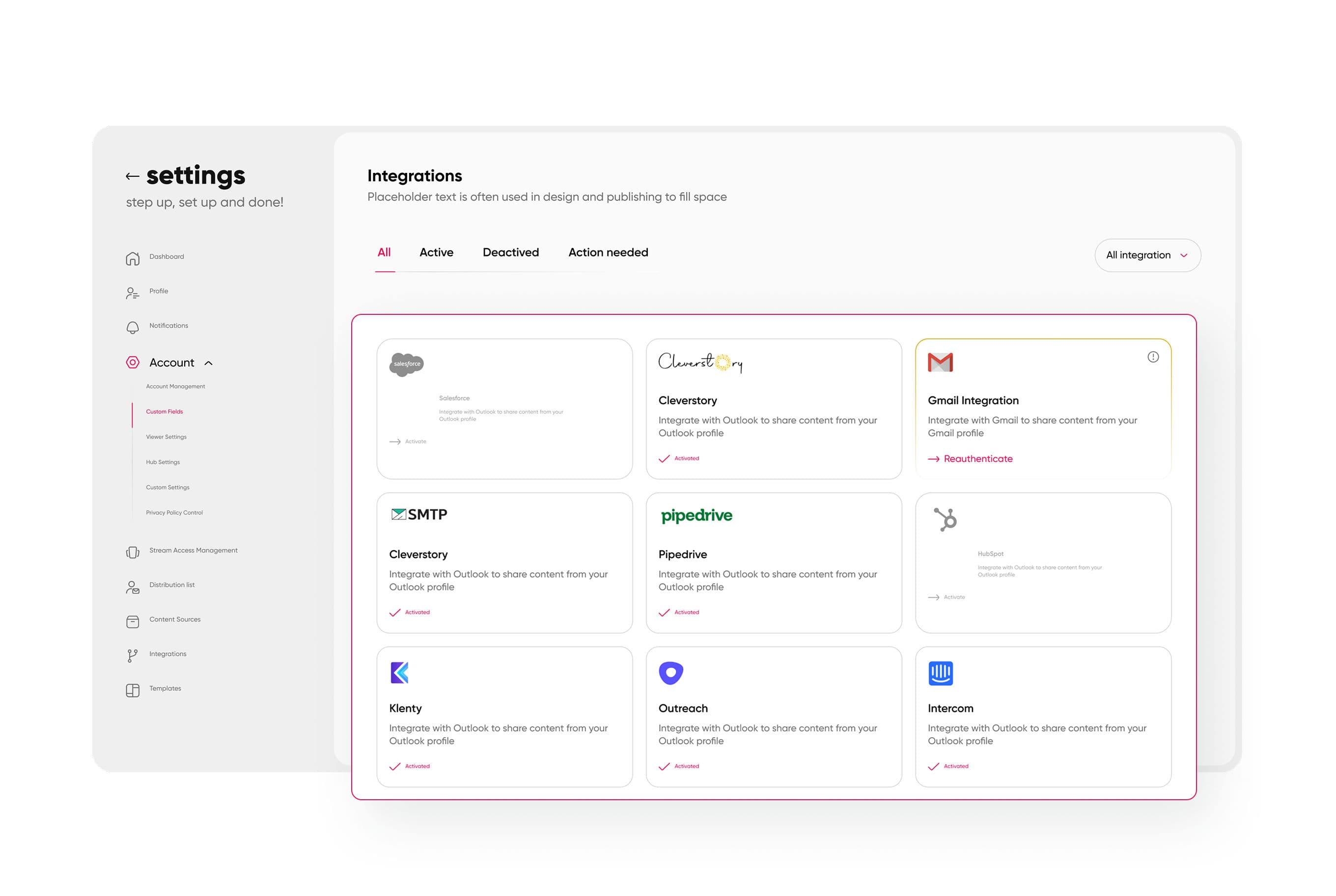
An integrations hub where connected tools are managed in one place.
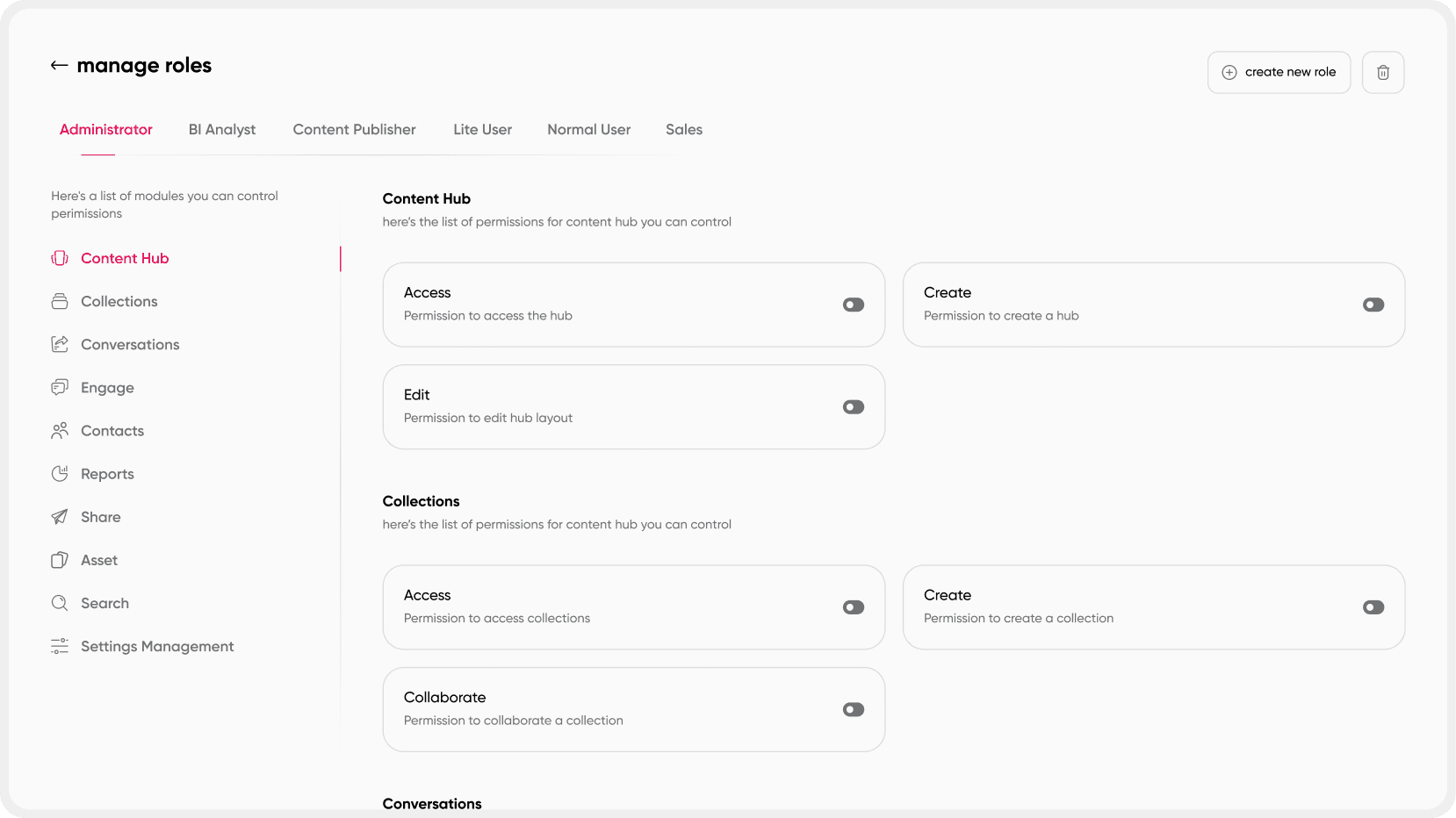
Role management and permissions, set up before reps log in.
4. Pilot and Rollout (Weeks 5 to 8)
Pick one sales team for the pilot, ideally one with a vocal champion and a manager who will push back. The pilot's job is to find broken search, missing assets, and permission mistakes while they are cheap to fix. Then roll out in waves. Cloudinary's team advised against dumping the whole library in at once, because content overload makes it unmanageable, and asked reps to share through the platform so activity stays trackable.
5. Cutover and Decommission (Weeks 7 to 8, Plus 2 to 4 Weeks of Overlap)
Freeze content creation in Highspot a few days before cutover so nothing new lands in the old house, then keep it read-only for two to four weeks as a fallback. Links already sent to buyers are the quiet risk, because an old link may stop working once your access ends. Ask Highspot how long shared links stay live after your term, and plan to re-share active deal content with fresh links.
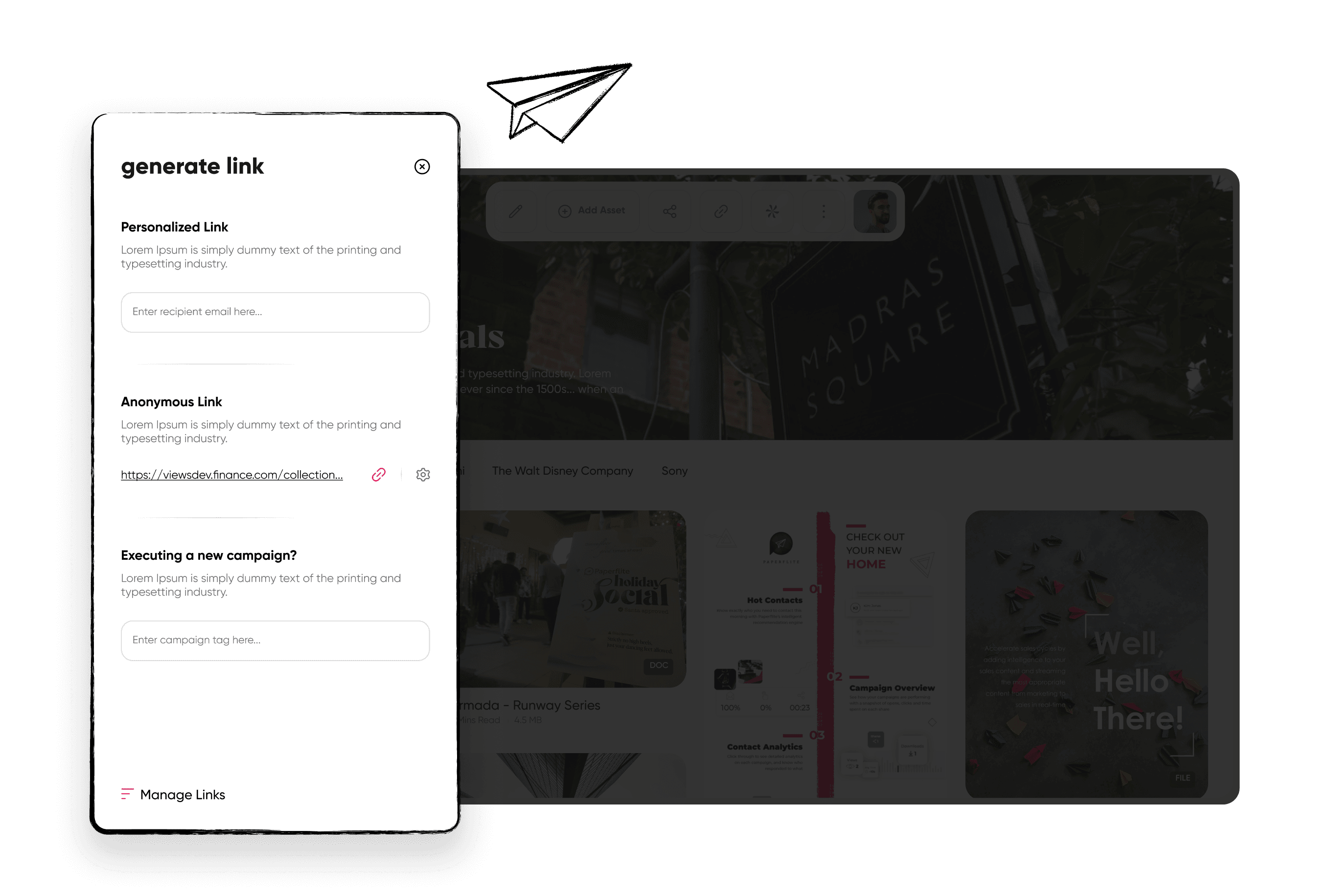
Personalized share links, generated and managed in one place.
What Makes a Highspot Migration Take Longer?
Library size, duplicate or untagged content, the number of integrations, training content, active digital sales rooms, and the lack of a named project owner stretch a Highspot migration the most. Teams that archive before they move tend to finish sooner than teams that copy everything across.
The mechanism is the same for each: everything you carry across has to be checked, mapped, and tested in the new platform. Untagged files hurt more than a big library, because a missing tag turns a quick import into a manual decision. Integrations add a second queue, since each connection to your CRM, storage, or sign-on has to be rebuilt and tested before reps rely on it.
Live buyer-facing material changes the math. A digital sales room is not a file; it is a link a buyer may have open right now. Before you move one, review the digital sales room features your buyers actually use, so the replacement covers them on cutover day.
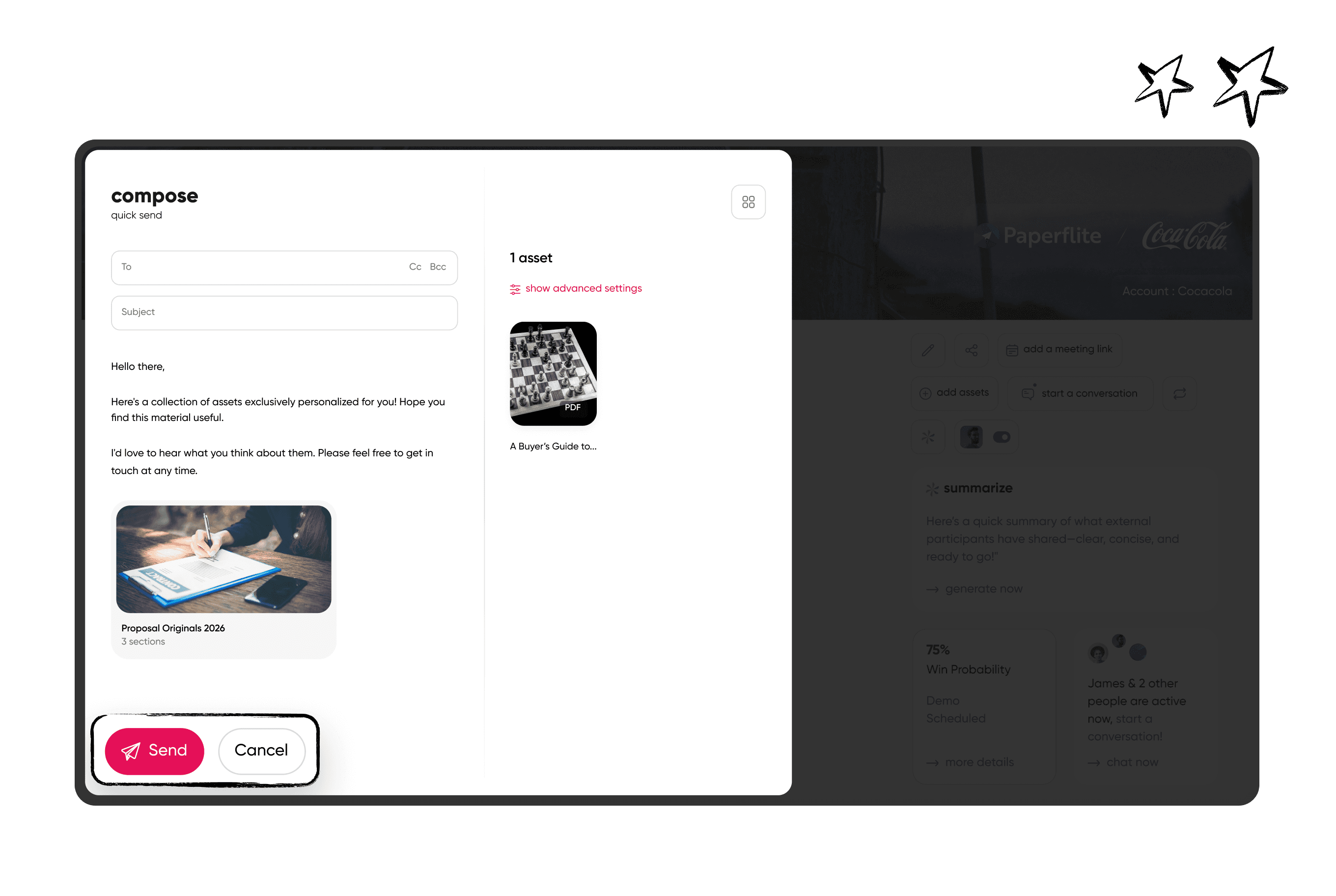
A deal room overview, the kind of live buyer-facing link that has to move with care.
People are the last factor. Spekit's checklist treats a migration owner, a sponsor, and champions as readiness items, and Cloudinary's team named rep resistance among its pitfalls. A migration with no owner does not fail loudly; it stalls in week two, when nobody is willing to decide what to delete.
How to Time Your Migration Around Your Highspot Renewal
Start planning 90 to 120 days before your renewal date. That window covers vendor evaluation, your notice period, a four to eight week migration, and a few weeks of read-only overlap. Check your contract for the notice deadline, because that date, not the renewal date, often sets your real deadline.
Your renewal date is not your deadline. Your notice deadline is, and it sits earlier. Vendr's Highspot data reports that contracts typically carry a 12-month minimum and suggests opening renegotiation 60 to 90 days before renewal, which is also the window in which a credible alternative gives you leverage. Those figures come from Vendr's own data and marketing page, and notice periods vary by contract, so read yours for the notice period and the auto-renewal clause.
Work backward in four steps. Take the notice deadline, subtract a two to four week overlap, subtract the migration length of four to eight weeks, and subtract a couple of weeks to evaluate vendors. The result is the date the project has to start. A start date that has already passed calls for a short extension or a month-to-month term negotiated before you begin, because a countdown is what talks teams out of the audit. While you evaluate vendors, a step-by-step guide on how to choose the right digital asset management software gives you scoring criteria for the shortlist.
What to Export From Highspot Before You Migrate
Export content files, metadata and tags, engagement and analytics history, shared link and digital sales room records, training content, and your user and group structure before your Highspot access ends. Confirm each export method in Highspot's help center, because available formats can vary by plan.
Content files come first, with their metadata and tags attached, because a file without its tags is a file nobody can find. Engagement history comes second and gets forgotten most often. Your quarterly business reviews probably lean on it, so this is the practical answer to how to export Highspot analytics for QBRs: pull views, shares, downloads, and time spent by asset and by quarter into a CSV or your BI tool before access ends. Expect that history to stay behind as a reference rather than carry over, so your next review compares a fresh baseline against an exported archive.
Shared link and digital sales room records feed the cutover plan above, since you need to know which active deals point at which links. Training content, if it lives in Highspot, is its own workstream and often needs a separate owner. Last, export your user and group structure, because rebuilding permissions from memory is slow and error-prone.
Verify before publish: we could not confirm Highspot's current export formats and limits when this was written (October 2026). Check Highspot's help center, its API documentation, and your contract before naming specific formats.
How to Keep Reps Selling During the Switch
Move one pilot team first, freeze new content creation in the old platform a few days before cutover, keep the old platform read-only for a few weeks, and give reps a one-page guide to what moved and where to find it. Reps should never need both systems to close a deal.
Reps judge a migration by one test: can I find the deck I need before the call? Sit with the pilot team during their first week and note every search that fails. A failed search is a content or tagging gap, not a rep problem, so fix those before the next wave. A one-page guide covering where the top 20 assets live, how to share them, and who to ask for help beats a long training session. For new hires in the same quarter, see what makes sales onboarding faster.
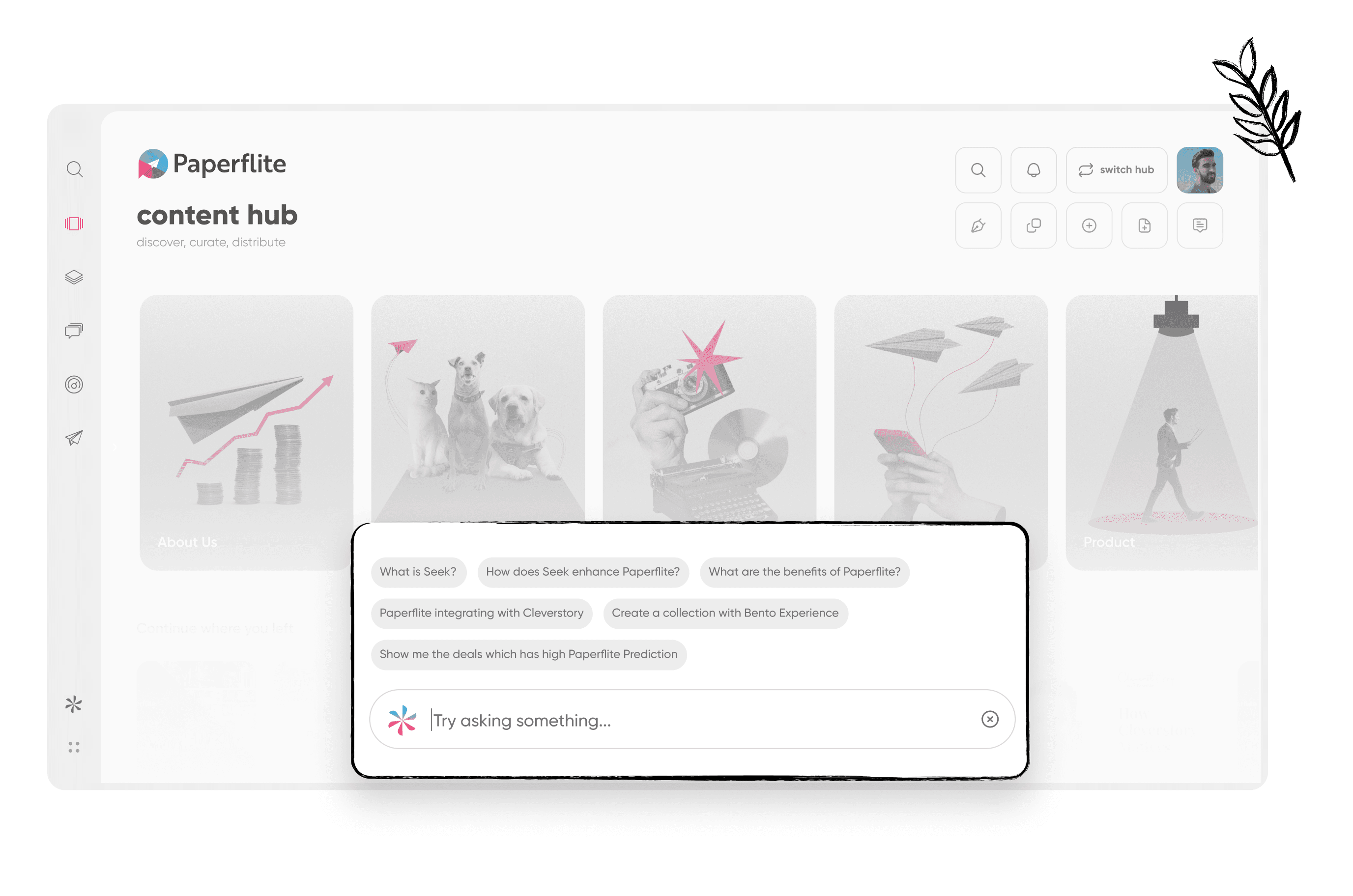
Search results with filters, which is where reps judge a migration first.
How a Paperflite Migration Works
Every vendor will tell you the move is easy. Ask each one, including us, three questions: who does the content import, how does your metadata map to ours, and what happens to links buyers already hold?
A migration to Paperflite follows the same stages as any platform move: audit your content, rebuild structure and metadata in the Content Hub, set roles and integrations, pilot with one team, then cut over. Your library size, integrations, and renewal date set the calendar.
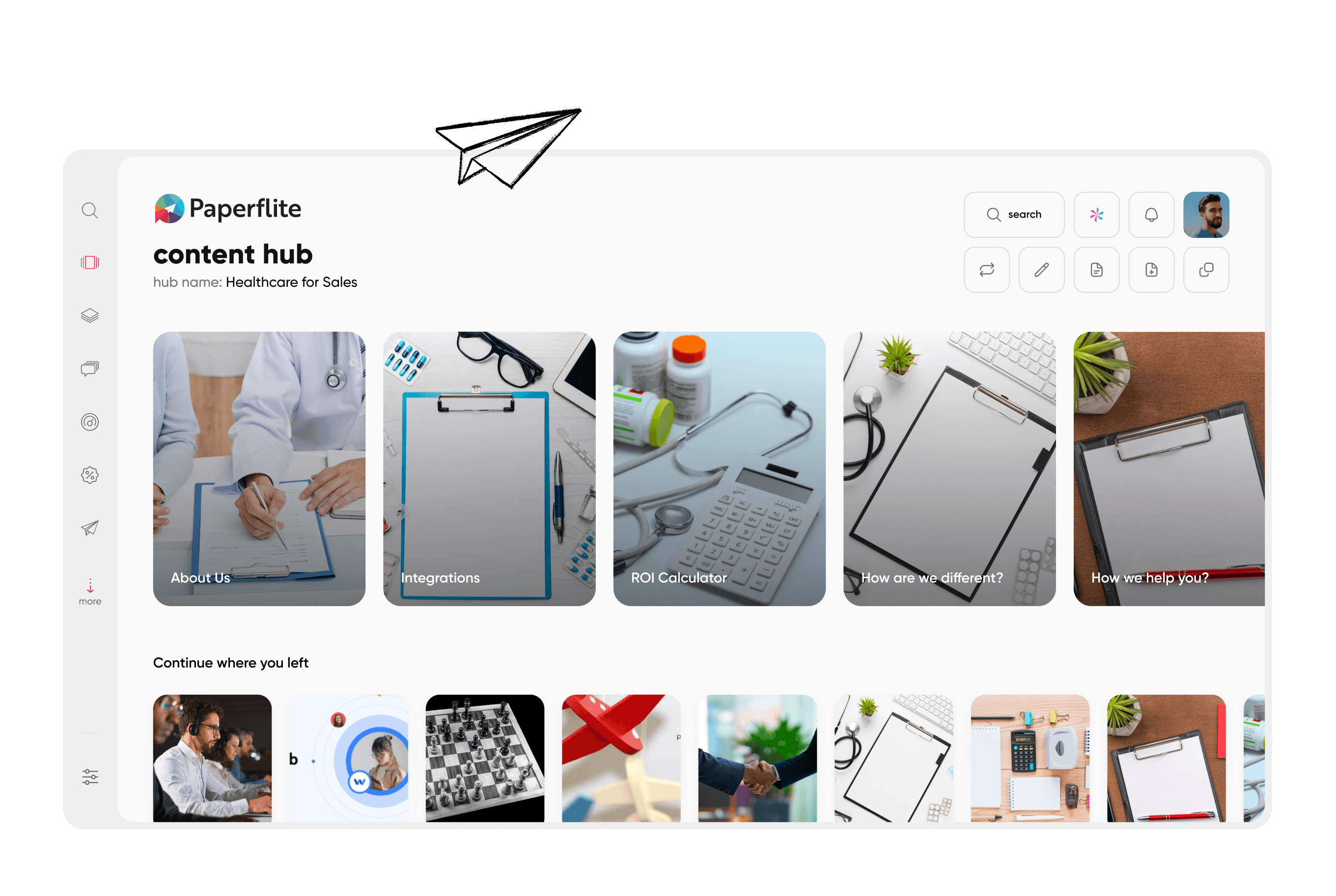
Each stage above has a counterpart in the product. Paperflite's Content Hub organizes assets into categories and folders with metadata and tagging, so the rebuild stage has a place to land. Role management and user groups cover permissions, and the Integrations Hub is where connected tools are managed. Search with filters and Collections handle the day-one question of whether reps can find things, and analytics dashboards on adoption and usage give you the new baseline for your next QBR. Our overview of content hub features lists what to look for in any content hub, ours included. Those are capabilities you can inspect in a demo; the benefit, a shorter ramp for reps, depends on how well you tag during the rebuild.
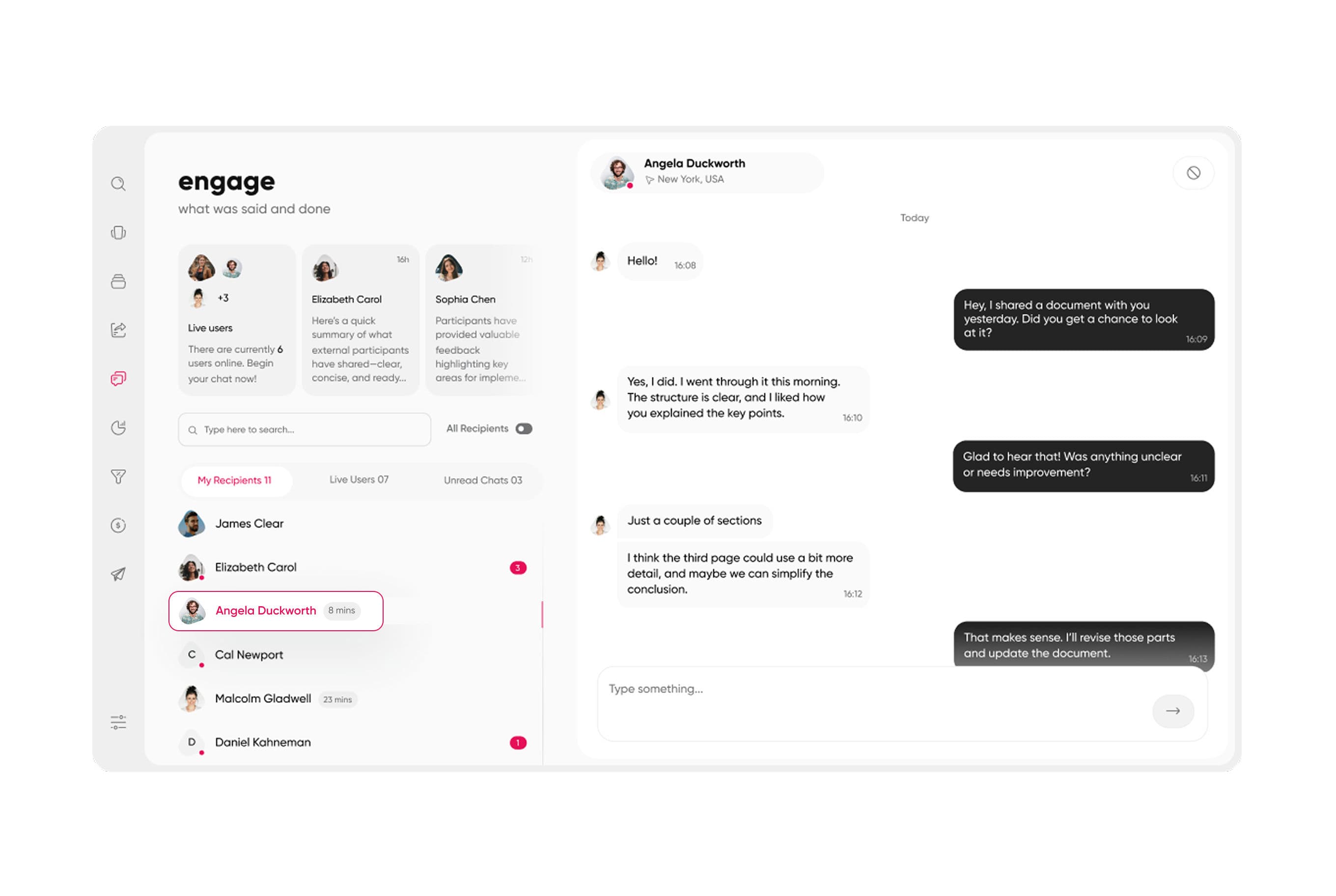
The Content Hub landing view, where migrated content lands.
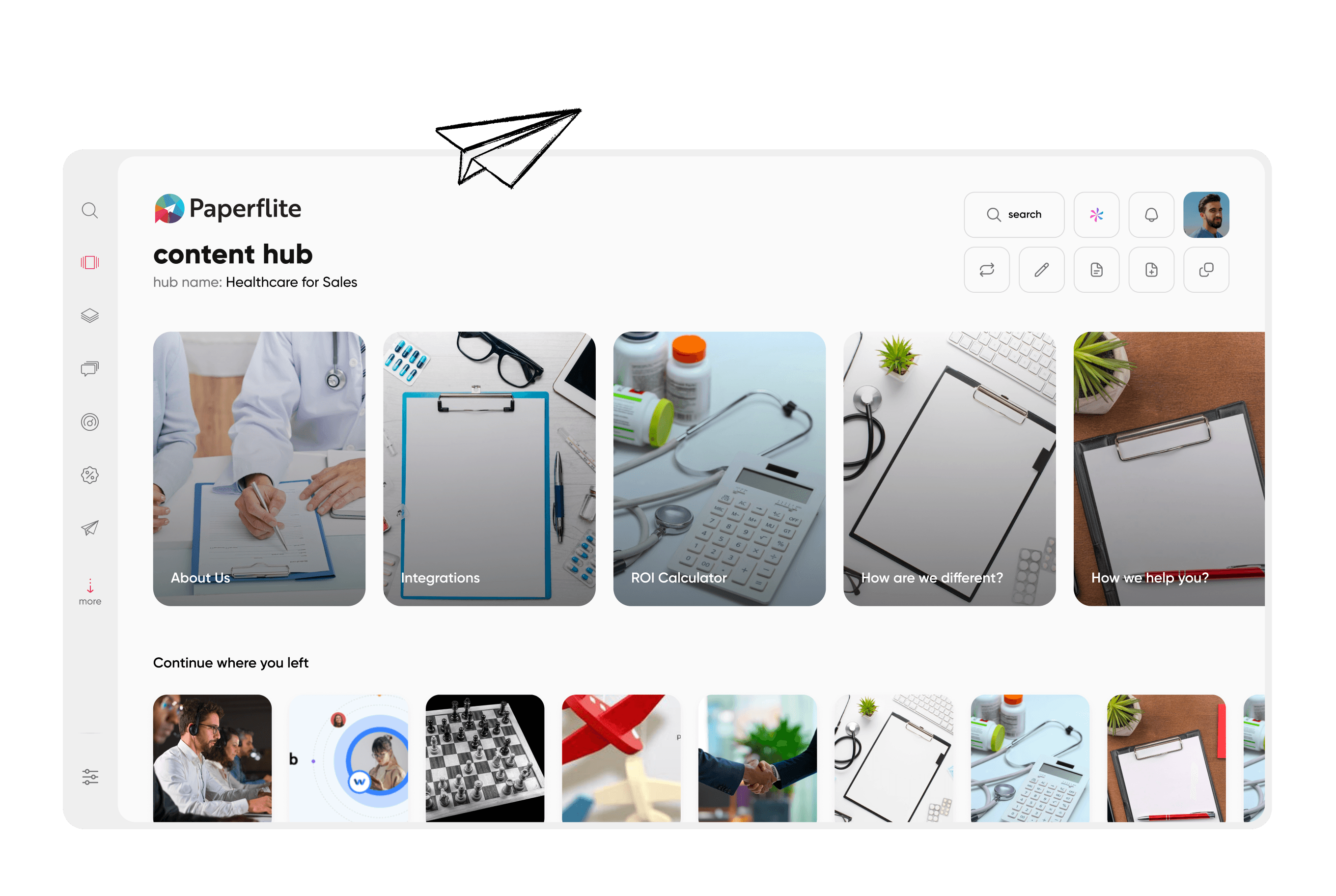
Categories and folder navigation inside the Content Hub.
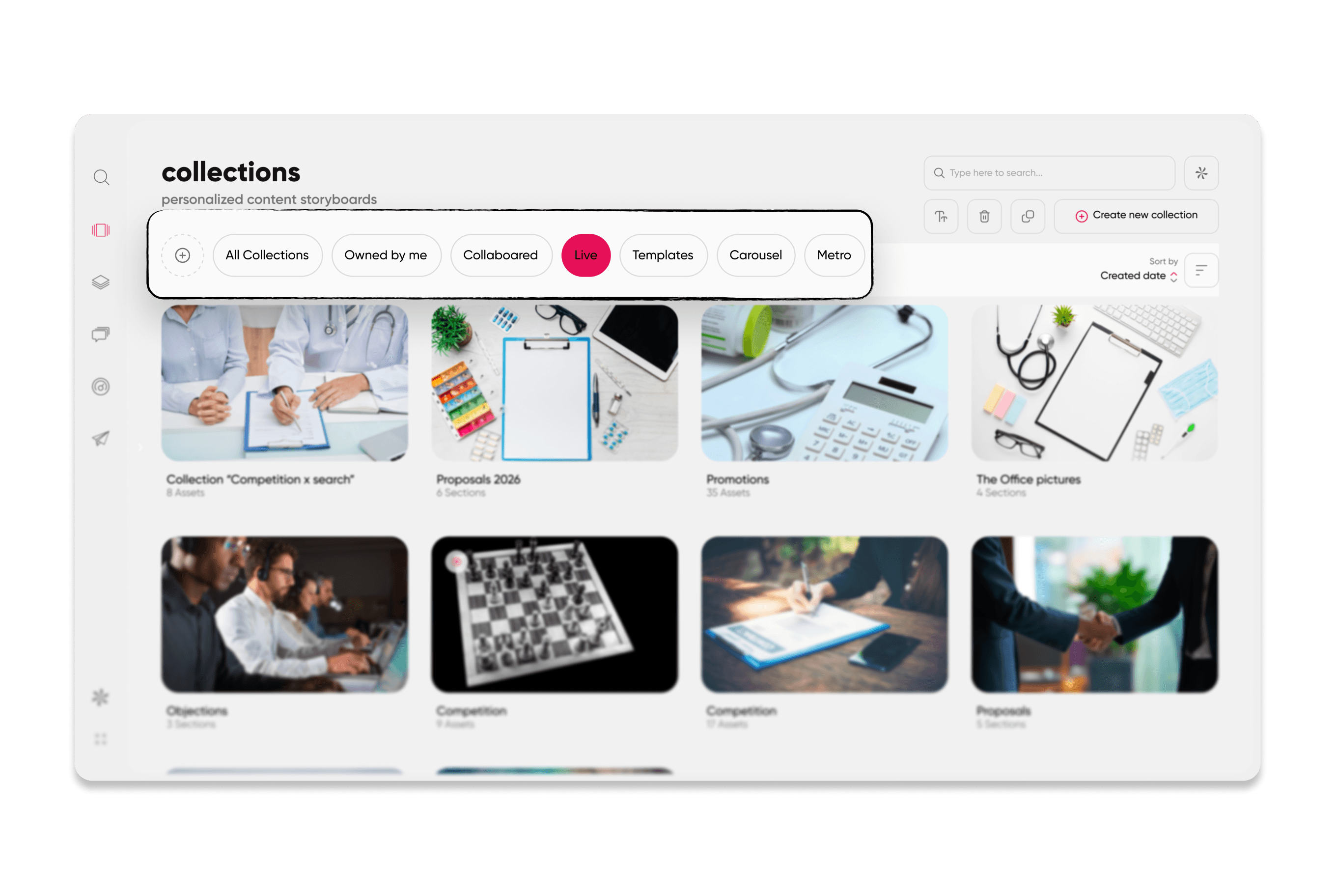
A Collections library that groups content by use.
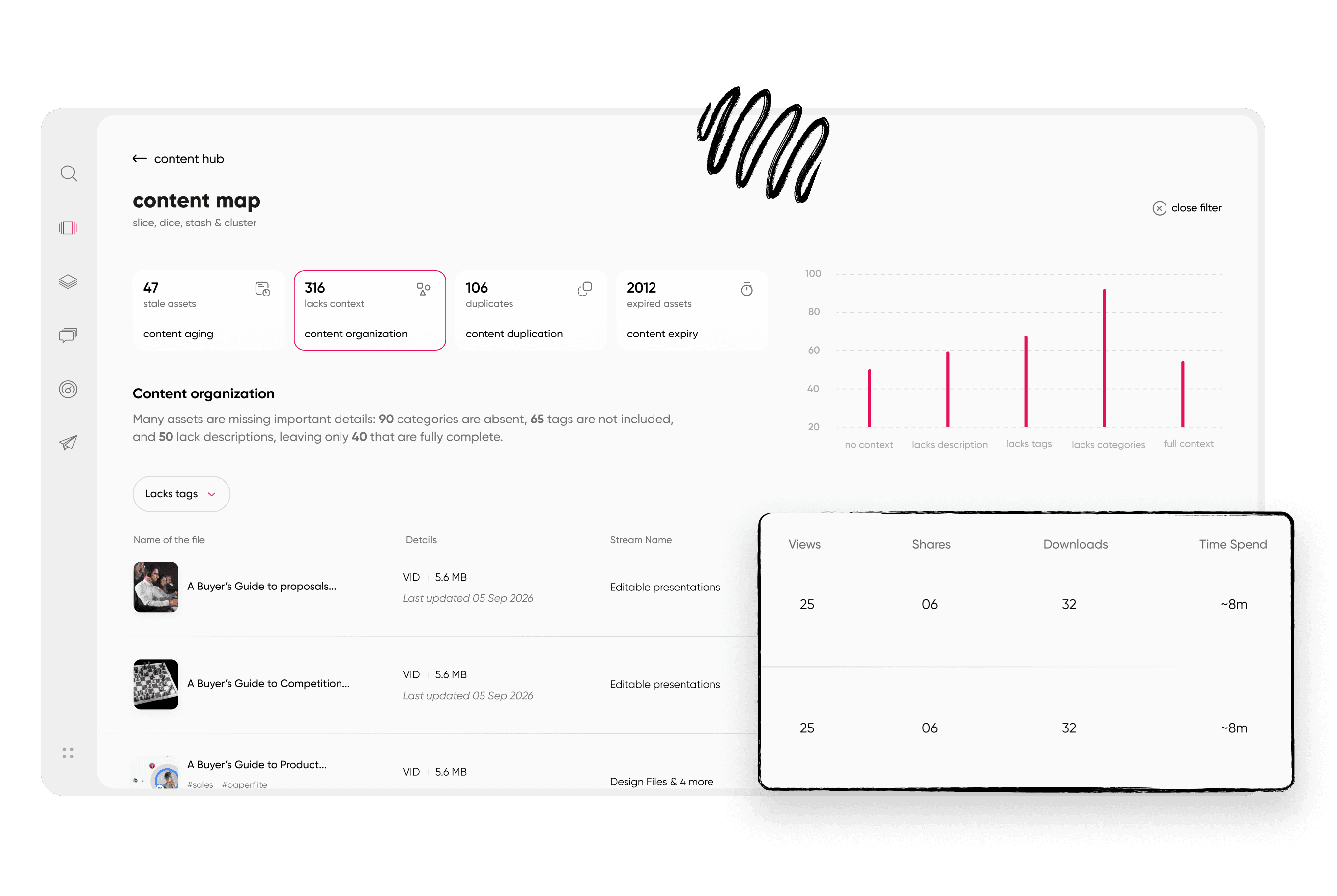
Adoption and usage analytics, the baseline for your first review after the move.
A move is also not always the right answer. When your Highspot setup leans on training curricula, coaching, or other workflows beyond content, list each one and confirm how it will be covered before you set a date, because some of them will live in a different tool.
Conclusion: Start With the Calendar, Not the Platform
Back to that calendar invite. How long does it take to migrate from Highspot? For most mid-market teams, four to eight weeks, with the audit setting the pace and the notice deadline setting the start date. Enterprise teams should plan for months. Before you accept the invite, settle who owns the project, when your notice deadline falls, and which assets deserve the trip. A migration with those three answers has a number you can defend in the renewal meeting.
You have the calendar. Book a demo and bring your library size, renewal date, and current integrations, and we will walk through what the move would look like for your team.
Frequently Asked Questions
How long does it take to migrate from Highspot?
Most mid-market teams finish in 4 to 8 weeks: two weeks to audit and export, a few more to rebuild structure and integrations, then a pilot and rollout. Enterprise setups with training content and custom analytics can run 3 to 6 months.
When should I start migrating before my Highspot contract ends?
Start 90 to 120 days before renewal. That leaves room to evaluate vendors, send notice per your contract, run the migration, and keep Highspot available as a fallback for a few weeks after cutover. Your notice deadline matters more than the renewal date.
Can I export my content and analytics from Highspot?
Content can generally be downloaded or pulled through an API, and analytics can be exported from reports, but options vary by plan and contract. Confirm yours with Highspot. Pull metadata, engagement history, and shared link records before access ends.
Do I lose my analytics history when I switch platforms?
Historical engagement data rarely carries into a new platform in its original form. Export it to a CSV or your BI tool before cutover so quarterly comparisons still work. The new platform starts building a fresh baseline from day one.
What slows a Highspot migration down the most?
Content sprawl, duplicate files, missing metadata, and integration rework cause most delays. Training content, digital sales rooms, and a missing project owner add more. Teams that audit and archive first tend to move faster than teams that copy the whole library.
How much does switching from Highspot cost?
Costs include the new subscription, any onboarding or content migration services, and internal hours from enablement and RevOps. Overlap costs depend on your renewal date. Ask both vendors for a full cost breakdown before you commit.
How do I get started with Paperflite?
Book a demo and share your library size, CRM, and team count. From there you can walk through how a migration would map to your renewal date and which parts of your current setup need a plan.
Paperflite's Content Technologyin Action
It's Easier Than Falling Off a Log
(Don't Ask Us How We Know That)

